

Request Your SERHA Email

To access your payslip through MyHR+, you must first have an active SERHA email account, as this is required to log in.

Once you submit your request, our team will verify your information and create your email credentials.

Please Note:
We aim to process all email creation requests within 1 hour during business hours. If you submit your request after hours, it will be completed on the next business day.

SERHA

Welcome to the SERHA ICT HELP DESK

Log a Ticket

Easily report any issues or requests to our ICT team by logging a ticket. Track the progress and get timely updates until your issue is resolved.
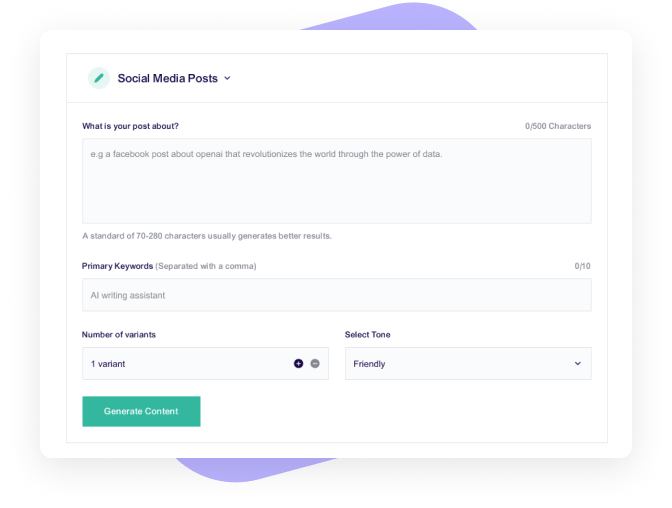
Request your Serha Email

Submit a request to create your SERHA email account quickly and securely. Our team will verify your information and provide your credentials promptly.
Book a Conference Room

Easily reserve a conference room for meetings, presentations, and training sessions. Check availability, choose your preferred time, and confirm your booking in just a few clicks.

Book a Room
Check the status of your ticket

Has your ticket been resolved?

This is a quick and easy way to check the status of your ticket. Enter your ticket information here

FAQ's

Frequently Asked Questions

You will need to call 876-676-4800 and provide them with your first and lastname, your TRN and your email address. They will take care of the rest.

You will need to go to this webiste: MyHrPlus and follow the instructions.